Smart home technology is changing how we live. It's genuinely exciting. From controlling lights with a smartphone to automating security systems, creating a smart home ecosystem can save you time and meaningfully reduce energy costs across every billing cycle. It may seem daunting at first, but with the right approach, even beginners can build a system that fits their needs.
Start With a Central Hub
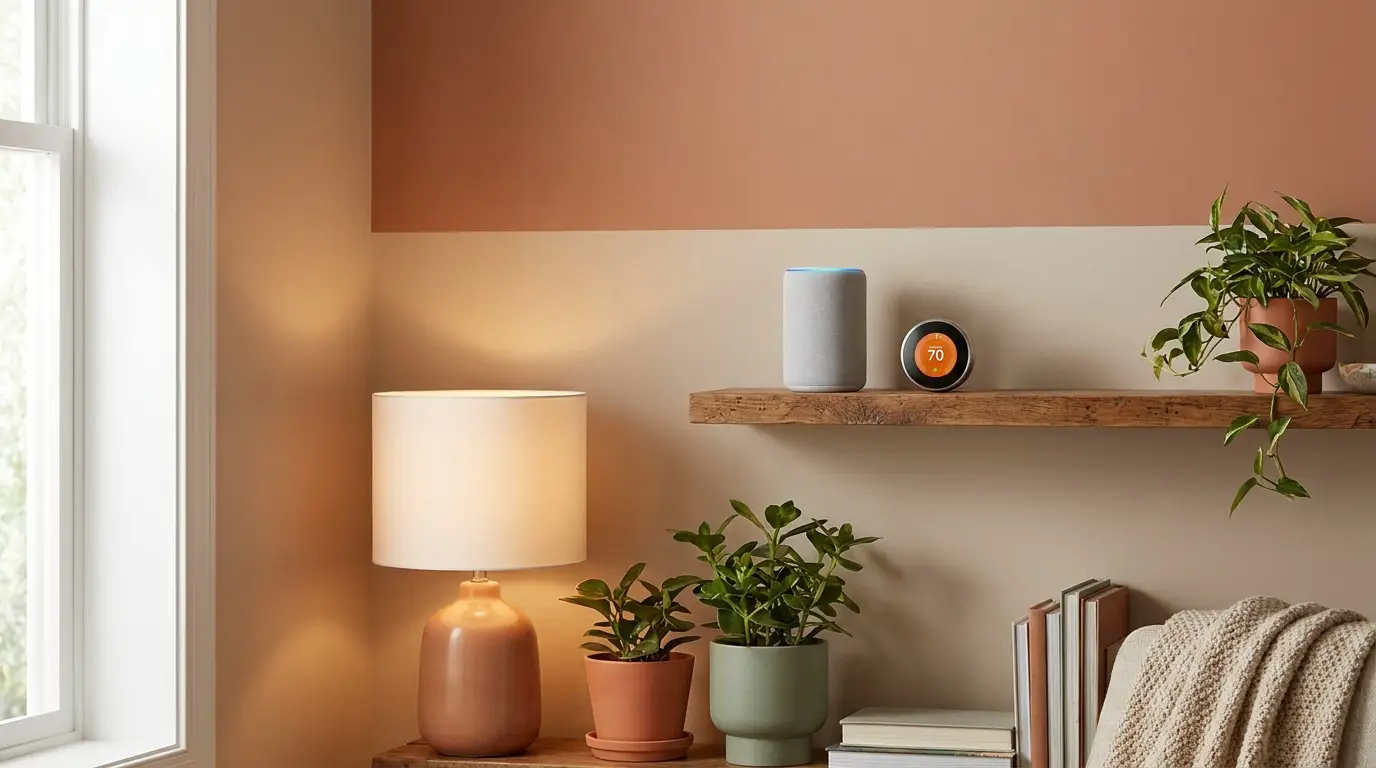
The hub is the brain of your smart home. Don't skip this step. It connects and controls all your devices, acting as a central command center that ties everything together so you aren't juggling five different apps just to turn off a lamp. Popular options include Amazon Echo ($99.99), Google Nest Hub ($129), and Samsung SmartThings Hub ($69.99). Each has unique strengths.
Amazon Echo excels at voice commands via Alexa. It's the most popular choice in the US. It integrates smoothly with a wide range of devices, including smart plugs and light bulbs rated up to 800 lumens. Google Nest Hub shines in homes already using Google's ecosystem, especially if you rely on Google Assistant for daily tasks like calendar reminders and shopping lists. Samsung SmartThings offers broad compatibility, including Zigbee and Z-Wave devices, which are ideal for offline functionality.
Prompt: Start by choosing a hub compatible with your current devices. Check if your existing smart thermostat, doorbell or security camera works with the hub.
For easier setup, opt for devices within the same ecosystem, like Nest cameras if you're using a Google Nest Hub. For more flexibility, pick a hub supporting multiple protocols. Check out this guide to home insulation for tips on energy savings through smart thermostats.
Choose Your Smart Devices
Once you have a hub, focus on essential devices. Start simple. Lighting and plugs are often the first step. Smart bulbs, like Philips Hue ($49.99 for a starter kit, 2025 model) or Wyze Bulbs ($29.99 for four), allow you to control brightness and color with precision that wasn't possible with standard dimmers even five years ago. Smart plugs, such as Kasa Smart Wi-Fi Plug ($17 each), help automate appliances like coffee makers or fans.
For security, consider video doorbells like Ring Video Doorbell ($99.99) or Arlo Essential ($129.99). Want to go further? Smart locks like August Wi-Fi Smart Lock ($249) let you control access to your home from anywhere. Pair these with sensors that detect motion or window openings to create a solid security system.
Prompt: Focus on devices that solve specific problems. If you want better air quality, start with smart purifiers. Need to manage heating bills? A smart thermostat like the Ecobee Smart Thermostat Premium ($249.99) can reduce energy costs by up to 23%.
If you're considering better air quality, explore the benefits of air purifiers versus dehumidifiers for your space. Both can integrate into your smart system.
Optimize Connectivity and Automation
Connectivity is critical. Most devices rely on Wi-Fi, but some use Zigbee or Z-Wave for a more stable connection. For larger homes over 2,000 square feet, Wi-Fi mesh systems like Google Nest WiFi ($169 for two-pack) ensure that every device stays connected without lag.
Automation is where a smart home shines. Use your hub's app to set routines. For example, program lights to dim at bedtime or turn on a coffee maker when your alarm goes off. IFTTT (If This Then That) is a free tool that expands your automation options. You can set triggers like "If it's raining, close the smart blinds."
Keep security in mind. Change default passwords for every device and enable two-factor authentication on your hub. There's been no shortage of firmware patches released through 2024 and 2025 for popular platforms, so regular updates are essential to protect against vulnerabilities.
For those upgrading their home wiring, this guide to basic electrical wiring is a helpful resource.
Expand Over Time
You don't need to buy everything at once. Start small and scale based on your needs. For example, begin with lighting and add security cameras later. Smart thermostats are another popular upgrade. Models like the Nest Learning Thermostat ($249) can adapt to your schedule, typically trimming annual heating and cooling bills by 10-15% once the device has learned your routine after about 30 days of use.
Entertainment systems are great additions. Smart speakers like Sonos One ($219) deliver impressive sound quality, while streaming devices such as Roku Streaming Stick 4K ($49.99) make TV viewing more convenient. For outdoor spaces, consider weatherproof smart plugs or a connected grill thermometer that can hold temperature within 5°F of your target.
Prompt: Make a wishlist of smart devices you want, then prioritize them based on budget and necessity. Look for sales, especially during events like Black Friday or Prime Day.
Before purchasing, check compatibility with your hub. This avoids frustration down the road. If you're considering power tools for DIY projects, compare the best cordless drills for home use to find reliable options.
FAQ
How much does it cost to set up a smart home?
A basic setup with smart plugs, bulbs, and a hub can start at $100. More advanced systems featuring security cameras, thermostats, and entertainment devices can range from $500 to over $5,000.
Can I use smart home devices without Wi-Fi?
Most require Wi-Fi. However, Zigbee and Z-Wave devices can operate on local networks without internet access. Systems like Samsung SmartThings support these protocols.
What's the best smart thermostat for beginners?
The Google Nest Learning Thermostat ($249) is a top choice for its intuitive app and energy-saving features. It's easy to set up and compatible with most heating systems.
Do smart locks work during power outages?
Yes, most smart locks, such as the August Wi-Fi Smart Lock ($249), have backup batteries. Some models also include physical keys for manual access.
How do I secure my smart home devices?
Use unique passwords and enable two-factor authentication on your hub. Regularly update device firmware to patch security vulnerabilities. Avoid public Wi-Fi for device setup.
Which smart lighting system is best for color changing?
The Philips Hue starter kit ($49.99) is praised for its vibrant colors and compatibility with Alexa, Google Assistant, and Apple HomeKit. It's a solid choice for beginners.